01
Dwell detection
After recording, it groups consecutive “still cursor” samples into candidate regions — the spots where you actually stopped to show something.
A macOS screen recorder in the spirit of Screen Studio — it films your screen, then automatically zooms into the action and drops it onto a beautiful background. Built from scratch with Electron.
Most screen recordings are flat and hard to follow. Recordr fixes that automatically — you hit record, do your thing, and it hands back a polished clip with cinematic zooms and a designed backdrop.
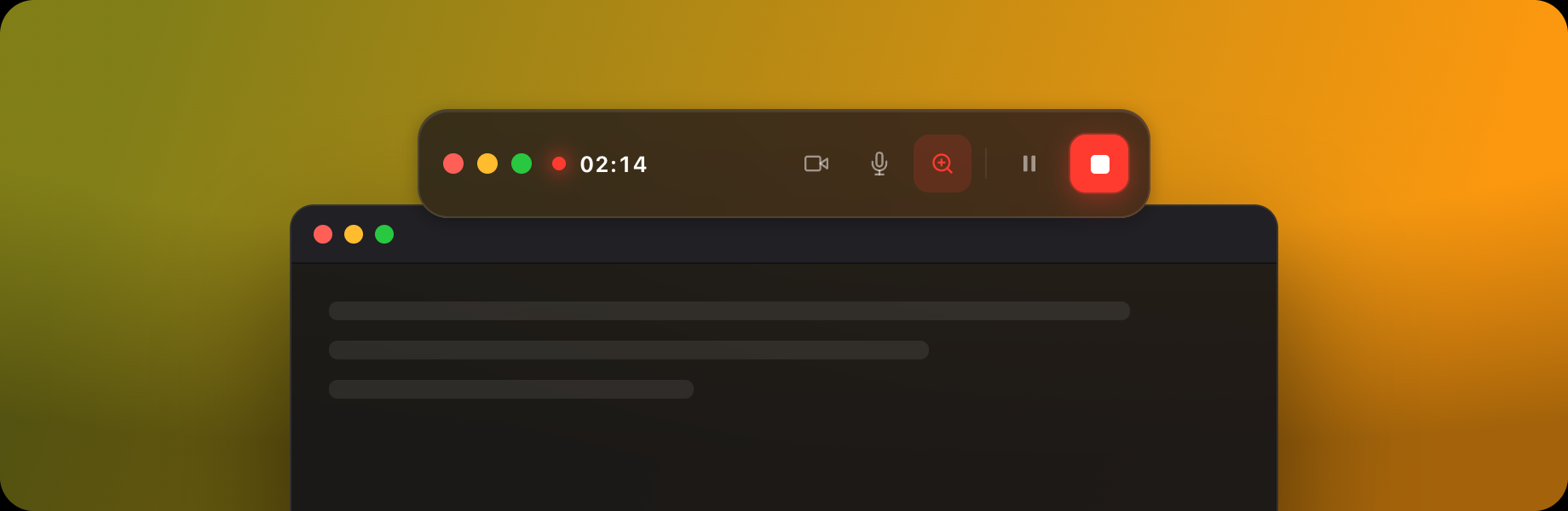
No timeline scrubbing, no keyframing. A floating glass control bar stays out of the way while you work; the moment you stop, Recordr analyses your cursor, finds the moments that matter, and renders an export-ready video. It’s a from-scratch Electron app with a custom canvas compositor — not a wrapper around anything.
The headline feature is Smart Zoom. After you stop recording, Recordr scans the cursor telemetry, detects where you paused and focused, and lays down zoom regions automatically — punching in on the detail, panning between hotspots, easing back out. Every region is editable as a simple toggle, but you rarely need to touch it.
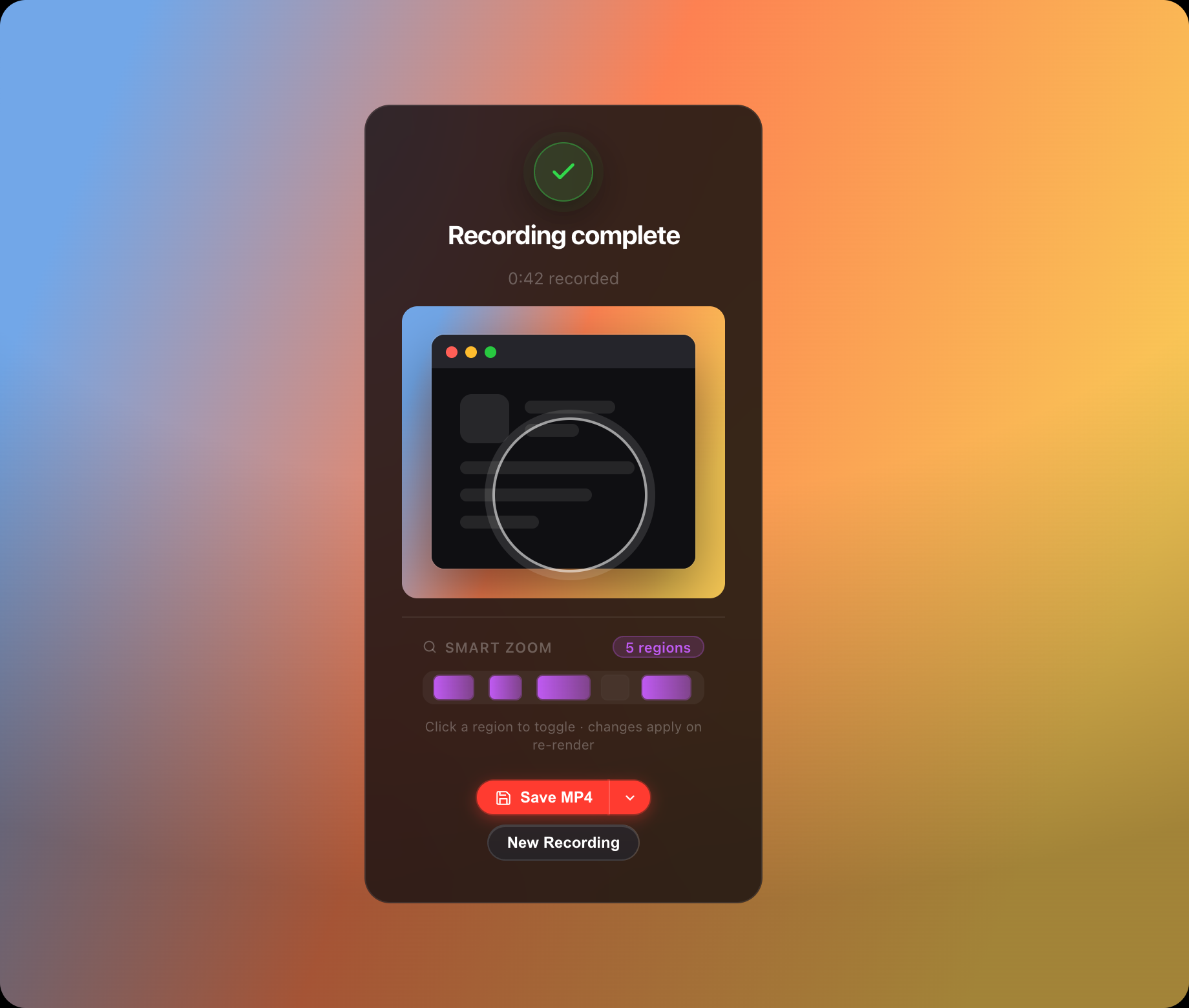
The whole UI is a set of floating glass surfaces that hover over your desktop — heavy background blur, a single 1px top-edge sheen, system-native dark tones. Colour is used sparingly and with meaning: red to record, green to confirm, purple for anything Smart-Zoom.
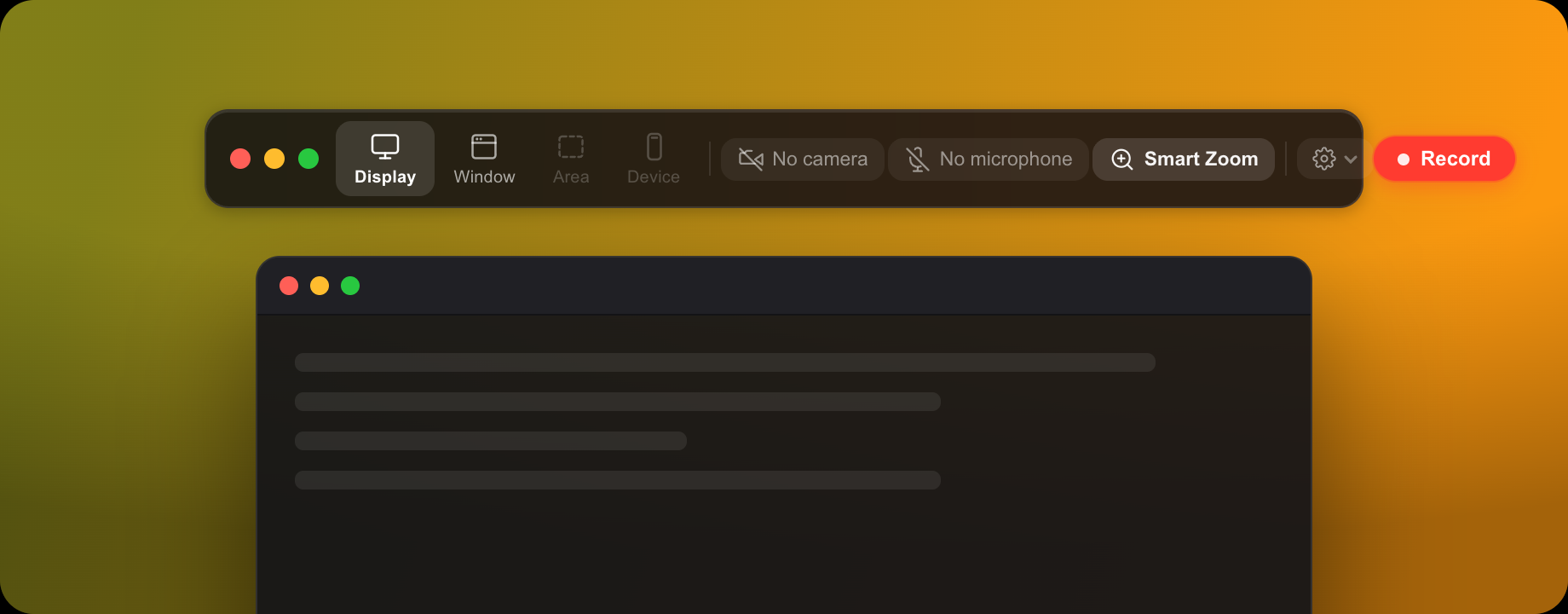
Each surface uses backdrop-filter: blur(40px) saturate(180%) so the desktop colour tints through but text stays readable. The same recipe scales from the thin picker bar to the settings popover and the finish card — one material, many sizes.
Spring-timed micro-interactions (cubic-bezier overshoot) give buttons a tactile, native feel without a single heavyweight animation library.
The zoom model is ported from the open-source OpenScreen project and tuned for feel. It’s the part that makes a raw screen capture look directed.
After recording, it groups consecutive “still cursor” samples into candidate regions — the spots where you actually stopped to show something.
Zoom-in ramps over ~600ms (fast, deliberate); zoom-out takes ~800ms (slow, calm). The asymmetry is what reads as intentional rather than twitchy.
Two regions close together don’t zoom out and back in — they pan across (~700ms), keeping the viewer locked on the content.
Every detected region is a chip on the timeline. Toggle one off, re-render, done — strength curves and gap filters keep transitions from ever colliding.
The entire app is four moments — pick, record, render, finish — each its own floating surface. No main window, no project browser. It appears when you need it and disappears when you don’t.
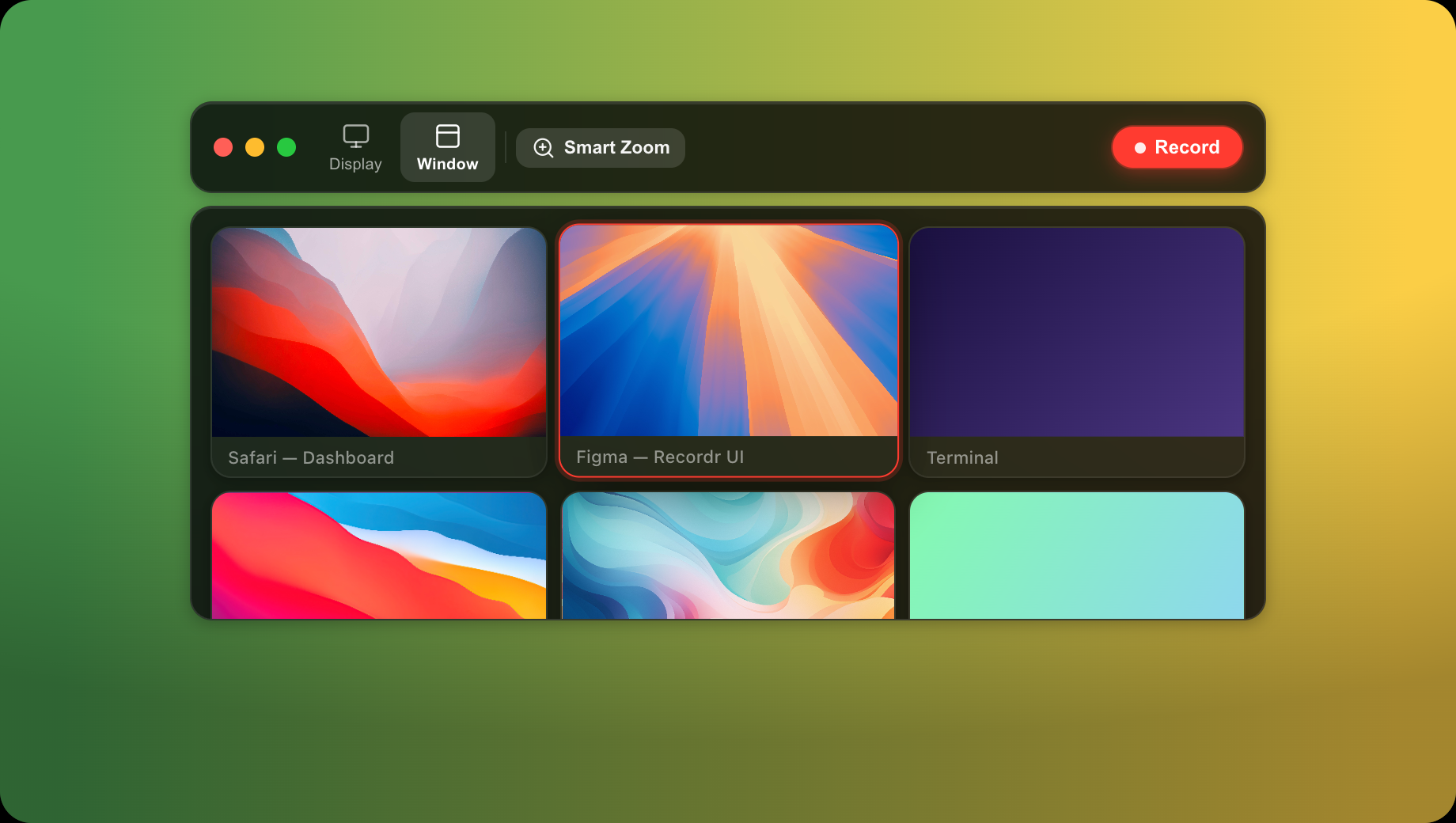
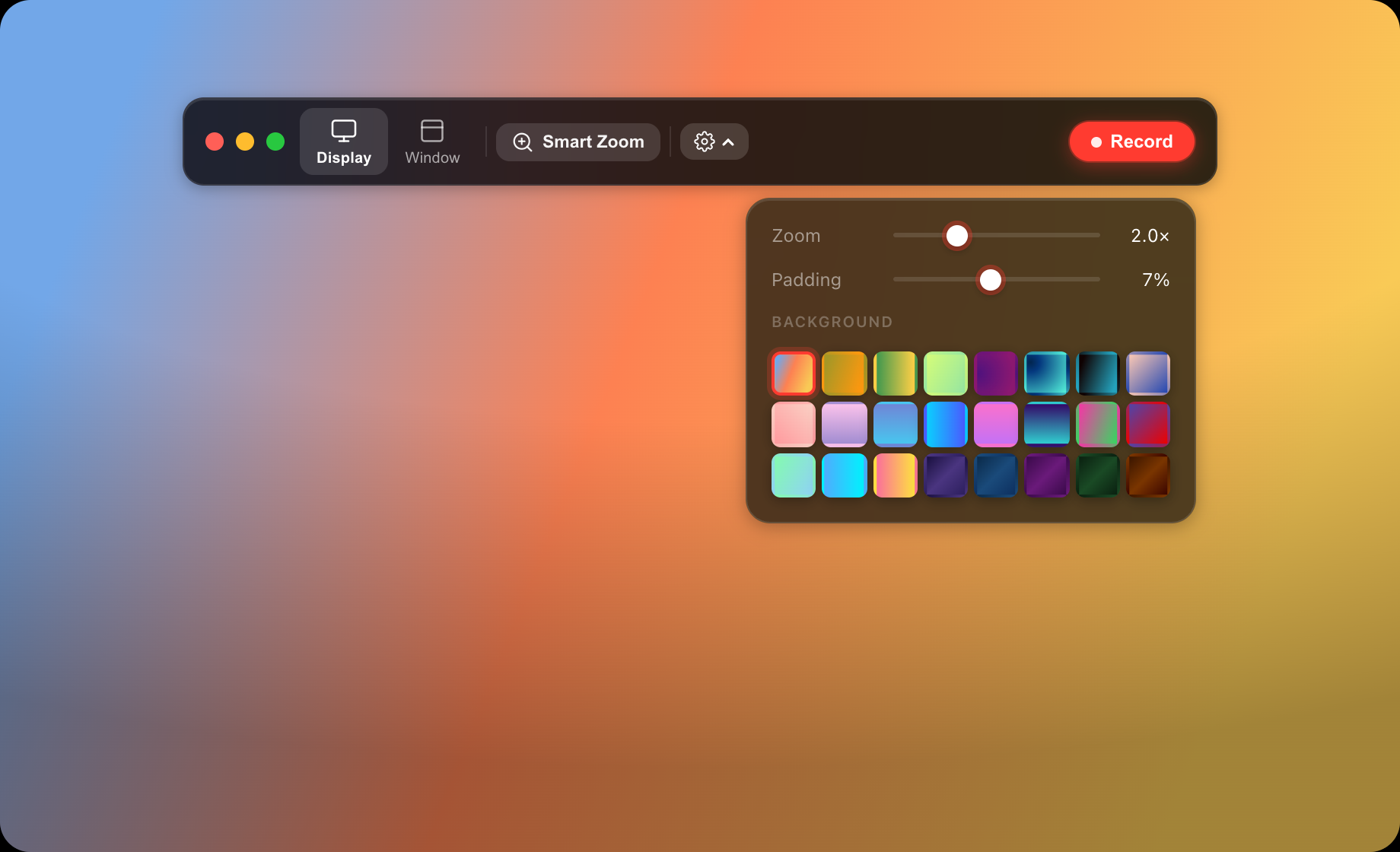
A lean native stack: Electron for capture and windowing, a hand-written canvas compositor for the look, and a WebCodecs/muxer pipeline for export. No editor framework, no cloud.
Electron’s desktopCapturer + getDisplayMedia grab a display or window stream, with optional camera overlay and microphone, plus cursor telemetry for the zoom engine.
A custom canvas pipeline redraws every frame: chosen background (gradient, wallpaper or blurred desktop), padding, a rounded device frame, the cursor, motion blur, and the spring-eased zoom transform.
Cursor samples become zoom regions via dwell detection; strength curves and connected-pan logic (ported from OpenScreen) drive a buttery, directed camera that follows the action while zoomed.
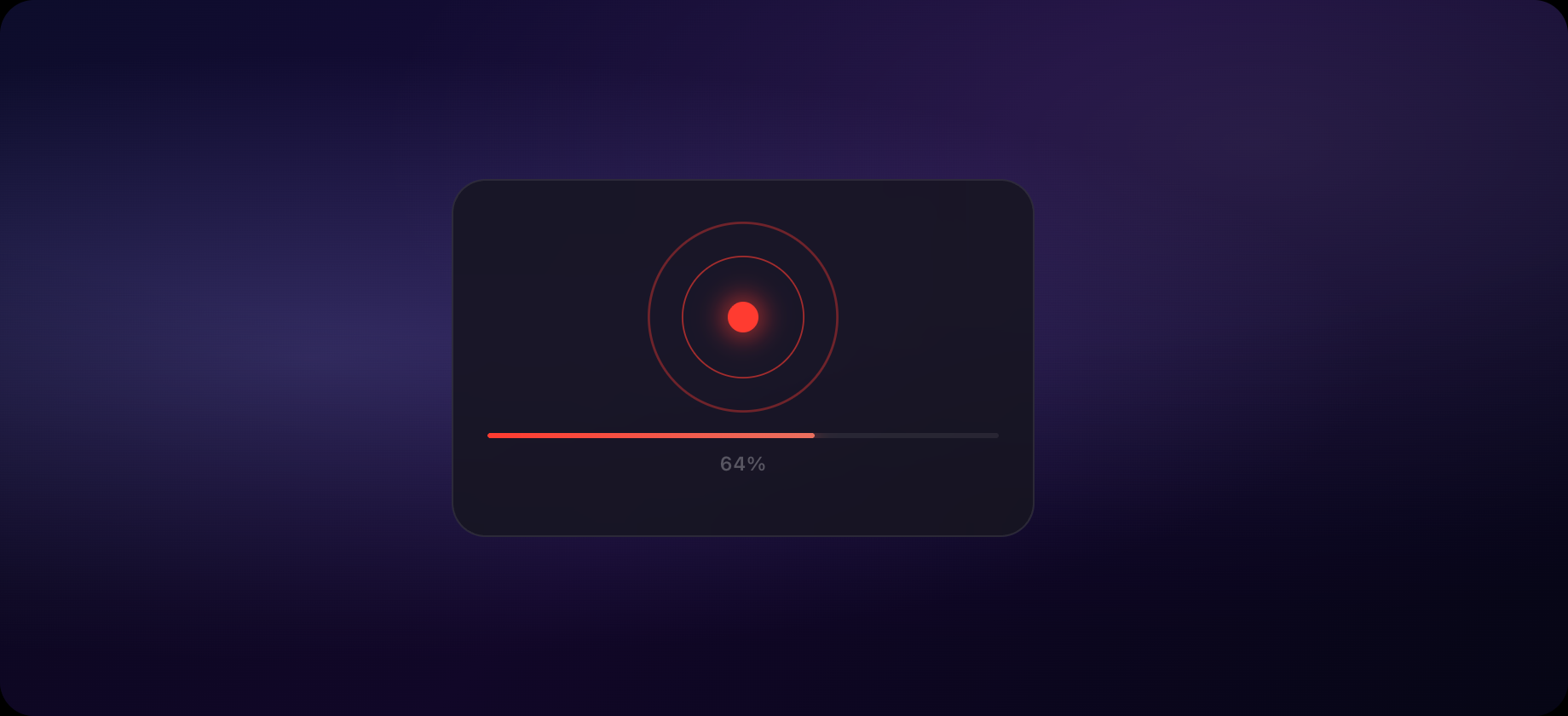
Composited frames are muxed straight to MP4 (H.264, best compatibility) with mp4-muxer, or WebM (VP9, smaller), with a live progress read-out.
A focused macOS app that turns an ordinary screen capture into something that looks produced — automatically, in seconds.
It proves a full pipeline end to end: native capture, a real-time compositor, an auto-direction zoom engine, and hardware-friendly export — all wrapped in a restrained, glass-dark interface that feels like it belongs on macOS. The kind of product where the best feature is the work you never had to do.